The social media scheduler for all your clients
Plan every client's posts in one place, get sign-off from a shared link, and pay per client, not per channel.


Built for client work
Everything a roster of restaurants, clinics, realtors, and trades needs, included on the Agency plan rather than sold as add-ons.
Client approvals
Clients preview, comment, and approve posts from a shared link. No account needed.


Approvals page
Every post a client still needs to sign off, in one list, with the stage each one is at.
Client reports
Build per-client reports from their own analytics and export them as PDFs at month end.
Team collaboration
Give teammates and freelancers access to the clients they work on, and nothing else.



Calendar per client
Each client gets their own drag and drop calendar with every channel on it.
Publish everywhere
Create a post once, tailor the caption per network, and publish to every channel.
Agencies like yours run on Pallyy
Small agencies and freelance social media managers on taking the next client without hiring, and keeping retainers renewing.

"Internal comments have been huge for us, along with external comments and client approvals."
Social Fever
Social media agency

"One of the biggest challenges in managing multiple social media accounts is navigating the ever-changing landscape of social platforms while maintaining a distinct and consistent voice for each brand."
LRC Social
Social media agency
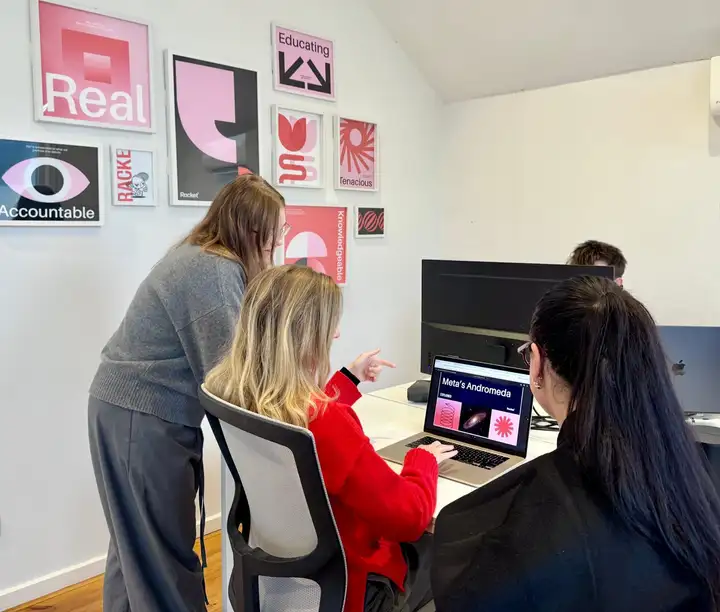
"Pallyy covered every part of the job we needed it to do, at a fraction of the cost, and it keeps evolving as social media changes."
Racket Agency
Marketing agency

"I use Pallyy to schedule everything a month in advance. This setup allows me to focus on other business areas."
Creative Cacti
Freelance social media manager

"Hands down the best social media scheduling platform! We will honestly never go back to any other."
The Glow Up Marketing
Social media agency

"It means social media has become part of our production workflow rather than an afterthought."
Oh Brother Creative
Creative production company
Every channel your clients are on
Each client gets their own social set, so their accounts, calendar, and posts stay separate from everyone else's.
Priced per client, not per channel
Each client is one social set, however many networks they post to. Adding a client is a flat $10 a month, with no charge per profile.
Freelancer, three clients
$45/month
One Pro social set at $25 plus two extra sets at $10 each. Approvals and analytics included. Single user, no custom reports.
Start free trialAgency, up to ten clients
$99/month
The Agency plan includes 10 social sets, 3 team seats, custom reports, and shared social sets. $79 per month billed yearly.
Start free trialMulti-location, up to thirty
$199/month
The Scale plan includes 30 social sets and 10 team seats, one set per location. $165 per month billed yearly.
Start free trialQuestions, answered
How do agencies manage multiple clients in Pallyy?
Each client brand becomes its own social set holding every profile that client owns, with its own calendar, inbox, and analytics. Your team switches between clients inside one workspace instead of logging in and out of accounts, and nothing gets crossed between rosters.
How much does Pallyy cost for an agency or a multi-location business?
A freelancer with three client brands pays $45 per month: one $25 Pro social set plus two extra sets at $10 each. The Agency plan is $99 per month with 10 social sets, 3 team seats, and custom reports, and Scale is $199 per month with 30 sets and 10 seats. Every price is per client brand rather than per channel, and extra team seats on Agency are $10 each.
Do clients need a Pallyy account to approve posts?
No. You share the client's content calendar as a link, and they preview upcoming posts, leave comments, and approve or reject each one right there. Approved posts publish automatically at their scheduled times.
Can I run several locations or sub-brands from one account?
Yes. Each location or sub-brand is its own social set with its own calendar, inbox, and analytics, and team access is granted per social set. Put a location's sets in a team and invite its manager, and they see only the brands they run.
Which social media platforms can I schedule posts to?
Pallyy schedules posts to Instagram, Facebook, LinkedIn, TikTok, Pinterest, Google Business Profile, YouTube, X (Twitter), Threads, and Bluesky. Everything is planned from one calendar, so you are not bouncing between apps to keep content moving.
Do scheduled posts publish automatically?
Yes. Pallyy publishes through each platform's official API at the time you choose, including Instagram Reels, carousels, and Stories. There are no reminder notifications or manual steps, the post simply goes live.
What is a social media scheduler?
A social media scheduler is a tool that lets you create posts ahead of time, pick a date and time for each one, and have them publish automatically. In Pallyy, scheduled posts live on a visual calendar so you can see what is coming up across every channel and drag things around before they go live.